Streaming devices
Roku, Fire TV, Apple TV, and similar players.
- Plug-in steps
- Remote pairing
- App install basics
Use these tutorials when you need straightforward help setting up a device, changing a setting, connecting equipment, or working through a common problem. The instructions are written for everyday users and avoid unnecessary technical language.
Start with the device category that matches the equipment you are working with. Each section focuses on the setup and troubleshooting tasks people commonly need.
Roku, Fire TV, Apple TV, and similar players.
Smart TVs and display settings for everyday viewing.
Basic setup and settings for mobile devices.
Internet setup, Wi-Fi checks, and home network basics.
These guides focus on practical tasks that can usually be completed in a few clear steps, from initial setup to basic troubleshooting.

Plug it in, connect Wi-Fi, pair the remote, and install the first apps without getting lost in menus.
Read tutorial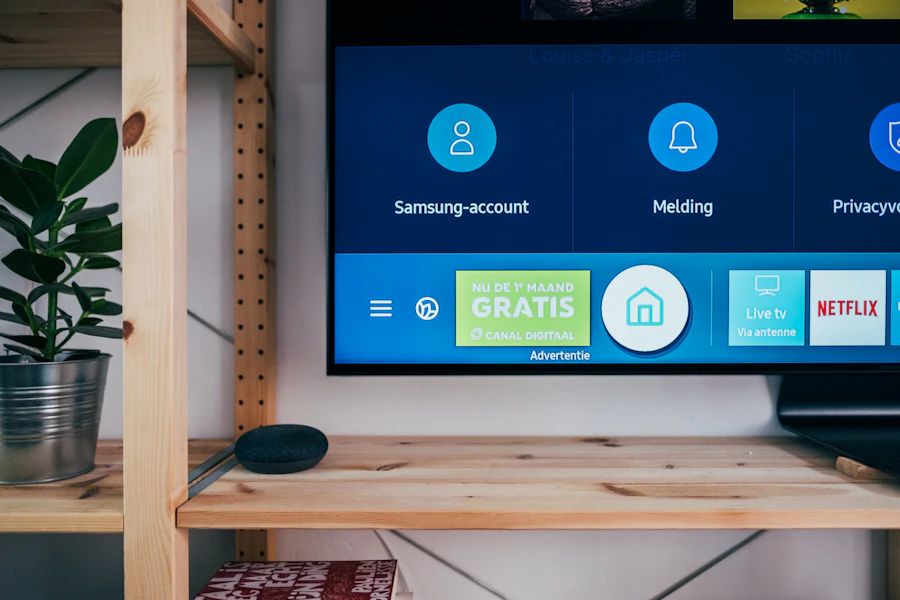
Learn how to navigate the home screen, manage inputs, update the TV, and install apps.
Read tutorial
Use this short checklist to test router placement, restart hardware, and reconnect your device.
Read tutorialThis page should help readers branch cleanly into the right section without forcing them to read every tutorial.

A good tutorial is easier to follow when it starts with the device type and then moves directly to the task. Use the category that matches your equipment, then choose the specific setup or troubleshooting guide you need.
Use this section for phone and tablet tasks such as managing app permissions, freeing storage, changing settings, and completing basic setup.
Open device tutorialsFor Android devices, start with the basic settings and maintenance steps, then move to platform-specific instructions when a particular model or version requires them.
Open smartphone basicsIf the issue is about activating or using a streaming service rather than configuring the hardware, continue to the Streaming Guides section.
Go to Streaming GuidesDevice questions often lead to other parts of the site. Use the related sections below when you need TV-specific help, streaming information, comparisons, or current offers.
For television setup, app issues, audio problems, input selection, and other TV-related questions.
For readers comparing streaming services, devices, features, and overall value.
For current offers, bundles, introductory promotions, and ways to reduce the cost of a purchase.